

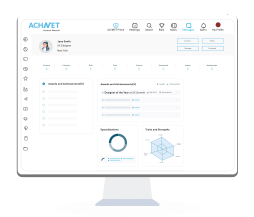



To receive video testimonials from your friends or colleagues, just click on ‘Invite Video Testimonial’ under Resume Actions. Enter the email ID of the person from whom you want a video testimonial and send an invite. After receiving video testimonials from your peers, you can add them to your profile.
While both written and video testimonials improve your credibility, there are certain differences that make video testimonials better than text testimonials. Written recommendations convey positive feedback through plain text, while video testimonials add authenticity and emotion. Video testimonials offer a more engaging way to create a lasting impression on employers, through visual storytelling.
ACHNET highlights recommendations and video testimonials you’ve received on your Power Bio. They are showcased prominently to highlight your professional achievements and skills to other users and potential employers.
When you receive a testimonial request from someone, ACHNET notifies you via email and SMS with a link to write/record a testimonial or video testimonial for them. You can write them a recommendation or start recording a video testimonial by clicking on the link and following the simple steps on the following screens. Once you are done, simply send the testimonial to them.